
Release 8.3
From Us, for You: Highlights of the New Release
Discover the Highlights:
Quorix – Your AI Assistant for BabtecQ
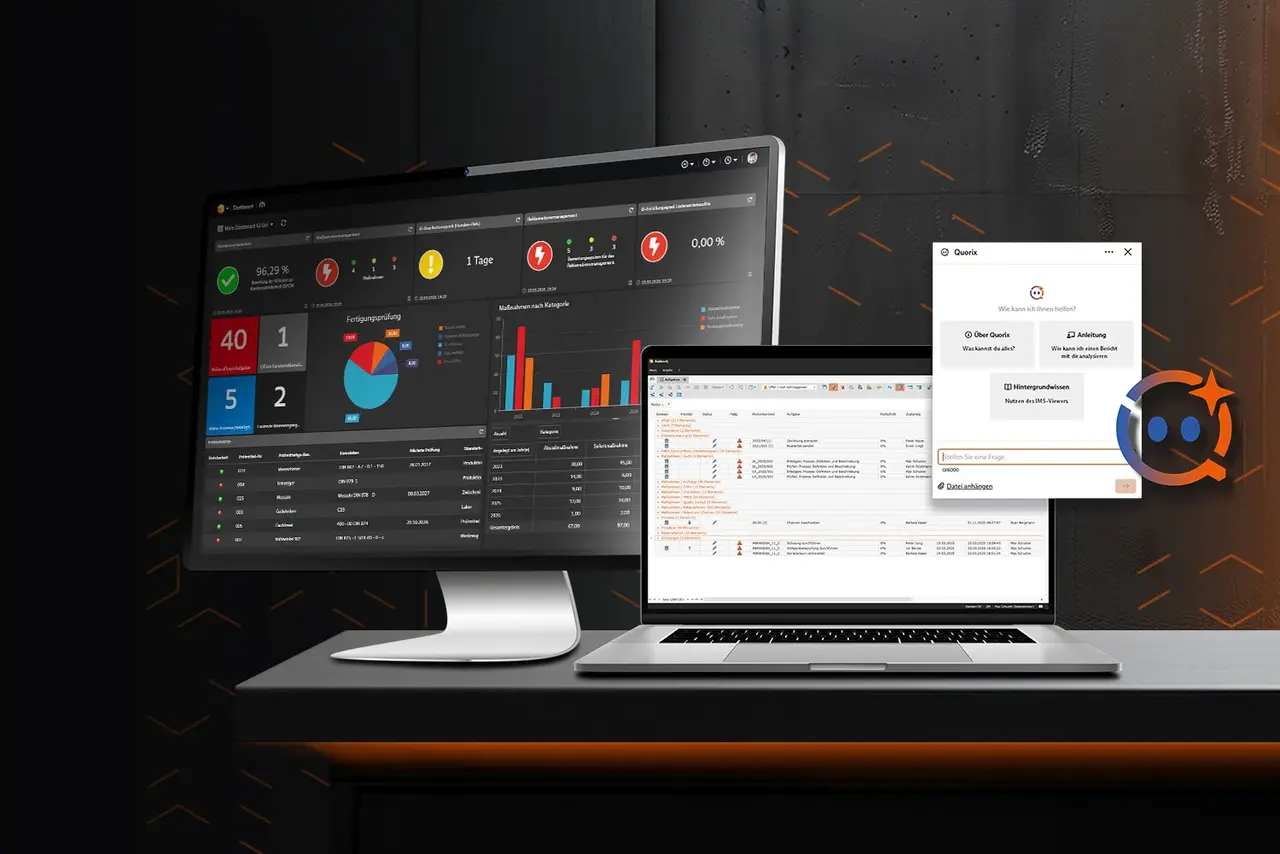
With Release 8.3, Artificial Intelligence is making its way into BabtecQ. Quorix is your integrated AI assistant, supporting you directly within your familiar working environment. Without the need for additional AI infrastructure or administrative effort, you benefit from intelligent features that simplify your daily work. And this is just the beginning: More AI-powered use cases will continuously expand Quorix’s capabilities in the future.
- Ask Questions – Get Answers: Whether you have questions about the Babtec software, quality methods, or the interpretation of standards, Quorix quickly provides the answers you need. Instead of searching through documentation, you receive clear explanations, practical recommendations, and step-by-step guidance – directly in the chat.
- Analyze, Document, and Support: Quorix helps you analyze and document quality data. For example, the AI assistant can objectively describe photos from audits, identify findings, establish relevant references to standards, and suggest possible root causes as well as appropriate corrective actions.
- Provide Quality Data in Multiple Languages: Quorix translates multilingual content directly within BabtecQ. This allows you to provide inspection plans, process descriptions, and other quality data quickly and easily in the required languages – without relying on external translation tools.
Quorix makes the use of Artificial Intelligence in quality management particularly easy. Whether you already have experience with AI or are just getting started, our AI supports you directly within your familiar working environment and provides an easy introduction to AI-assisted work.
More Transparency in Task and Action Management
With Release 8.3, working with tasks becomes even more transparent. The new "Module Context" column shows at a glance which record a task originates from – for example, which complaint, which inspection plan, or which controlled document.
The origin of tasks related to actions is now displayed even more transparently. This allows you to see immediately from which module and which process an action originated, for example from an audit or an order.
This enhancement is available in both the BabtecQ Windows Client and BabtecQ Go, providing greater transparency and supporting more efficient workflows.
BabtecQ Go: Ready for Customizing
The Babtec software has always been customizable whenever needed to optimally support company-specific processes.
With Release 8.3, this flexibility now also reaches the browser-based BabtecQ Go environment: A new framework provides the foundation for individual customizations in the web modules. The Qualification and Training Management modules are the first to support these capabilities, with additional modules to follow step by step.
Whether additional functions, custom data fields, or company-specific views and reports – BabtecQ Go can now be customized even more specifically to meet your requirements.
More Than Just Release Highlights
The highlights of Release 8.3 provide an insight into the wide range of possibilities offered by BabtecQ. Behind every new feature is software that supports companies throughout the entire quality management process – from planning to continuous improvement. Discover our product modules and explore the full range of capabilities of BabtecQ.
Questions About the Release?
Would you like to learn more about the new features or are you interested in BabtecQ? Get in touch with our experts – we’ll be happy to advise you.